










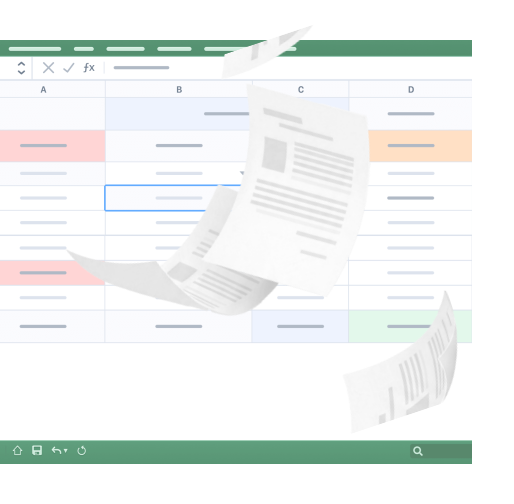
Clients forward a 100 page PDF once a quarter. Your team retypes it line by line.

Multi-rate VAT, foreign currency, no structured format. Every statement is a small manual project.

You chase clients for every document, get them back in ten different formats, and retype the data by hand.

Rules handle the recurring lines. The hard part is staying accurate and consistent on everything else.

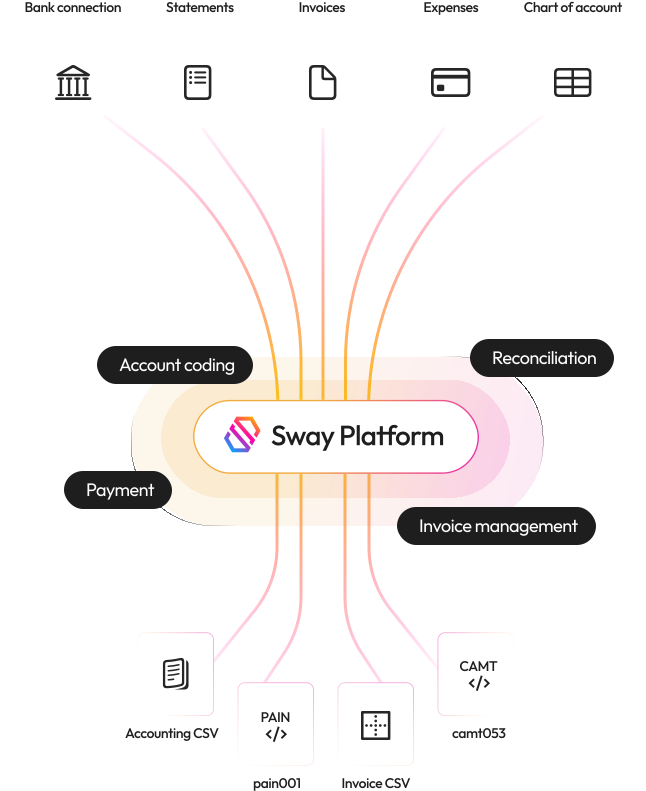
Live connection to UBS, ZKB, BCV, Valiant, Wise, Revolut, and 1000+ more.

Up to 100+ pages, generated or photographed, read line by line with balance verification.

Same extraction engine, same workflow, same audit trail.

Drop the file, Sway handles it in seconds.

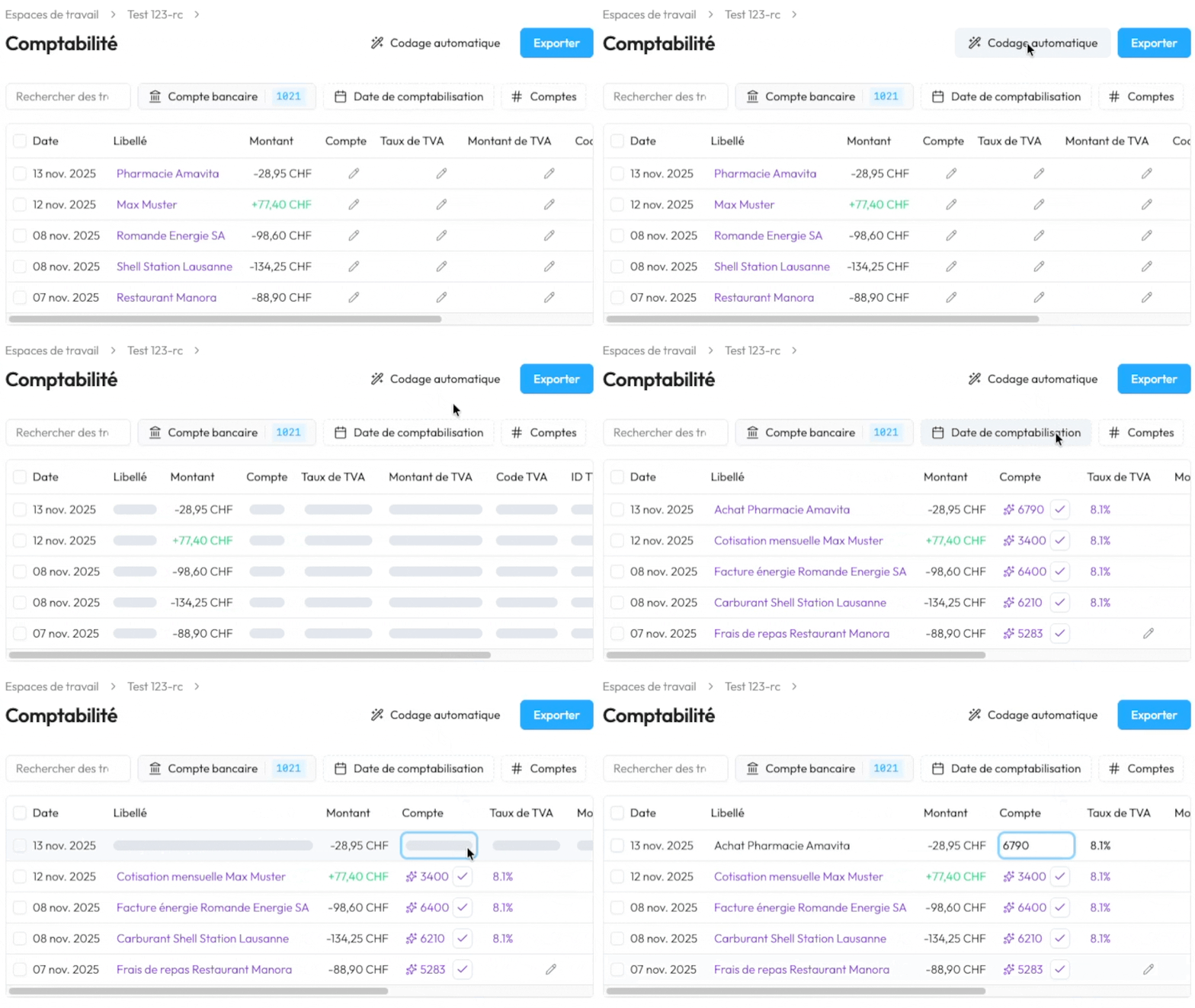
Sway learns to keep coding it the same way. And no learning leaks between clients.

Every suggestion comes with a one-line reason visible next to the transaction.

Validate a label once. Sway understands what you want and carries it forward each period.

Don’t worry about your client data, it is stored safely on servers in Switzerland.
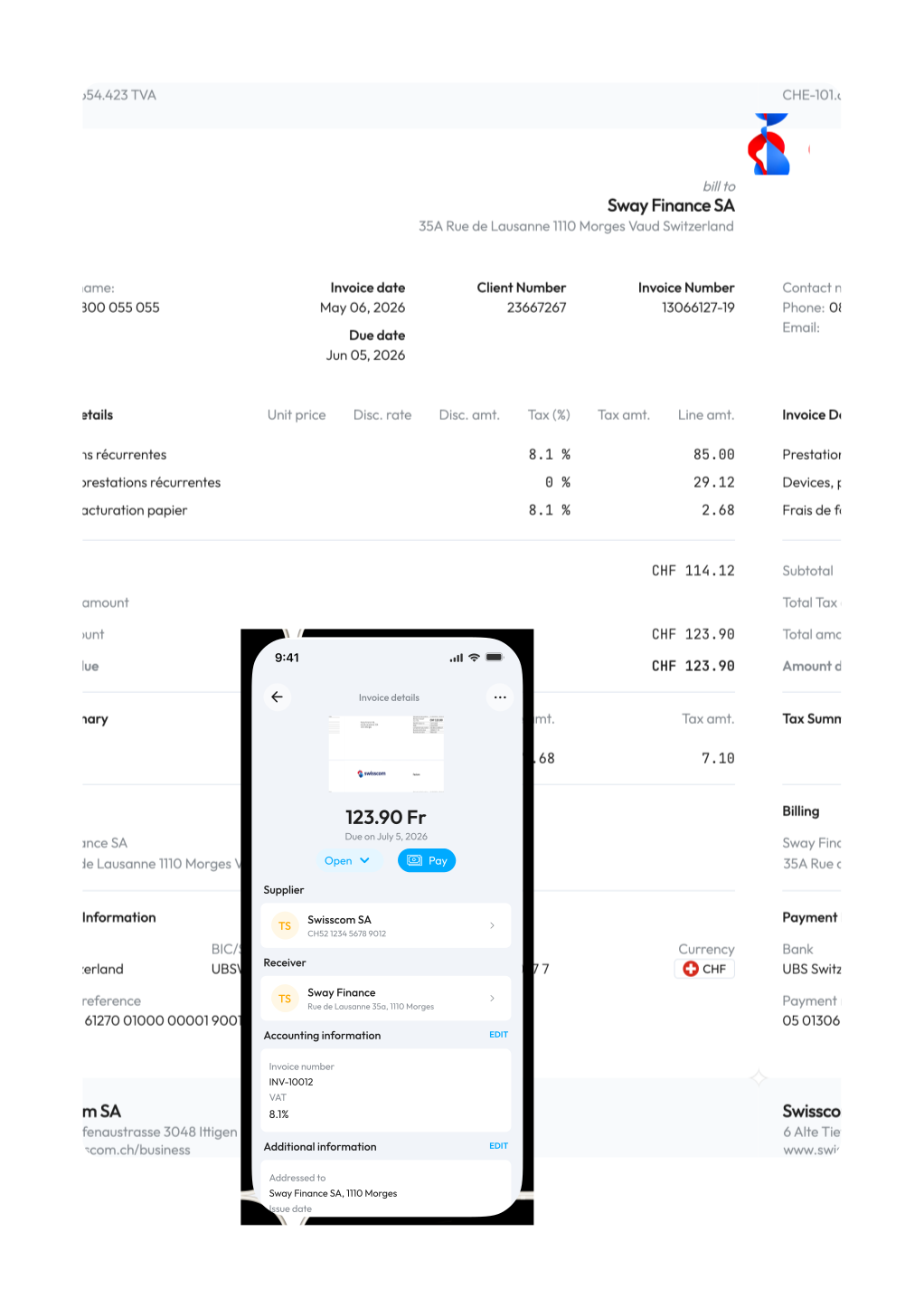
Line by line, with VAT per line, even without a QR code.

Name, address, IBAN, phone, all pulled from the PDF.

PDF, photo, email forward, or batch upload, Sway splits multi-invoice files automatically.

Optionally, Sway can submit payments for signature across multiple banks from the same screen.
Native CSV format, ready to import.
Native TXT format, ready to import.
Native XLSX format, ready to import.

Sway supports other formats and we’re open to build custom formats.
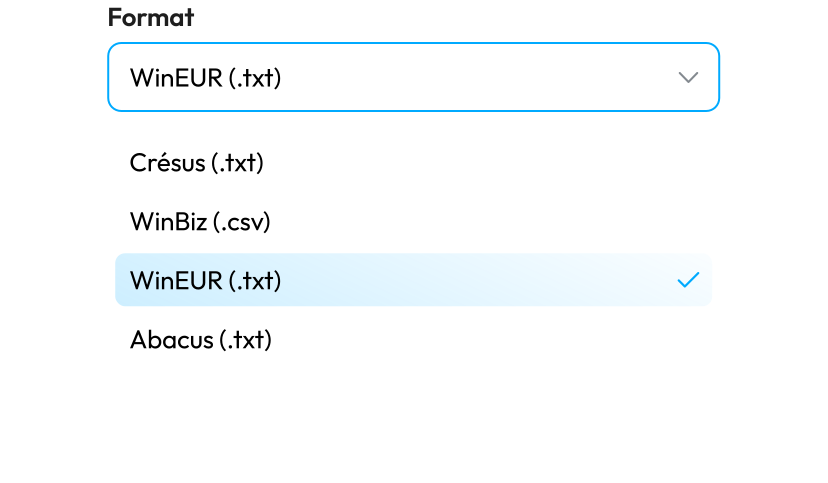

Months of rebuild, full team retraining, and one VAT change away from undoing the work.

Winbiz, Crésus, and WinEUR do the production accounting work well. The problem is the manual upstream which Sway solves.

Onboarding takes 90 minutes, in person, at your office. By the end of the session, client mandates are live in production.

Your chart of accounts, your VAT codes, your archives all stay where they are. Sway feeds the same import file your auditor already knows.
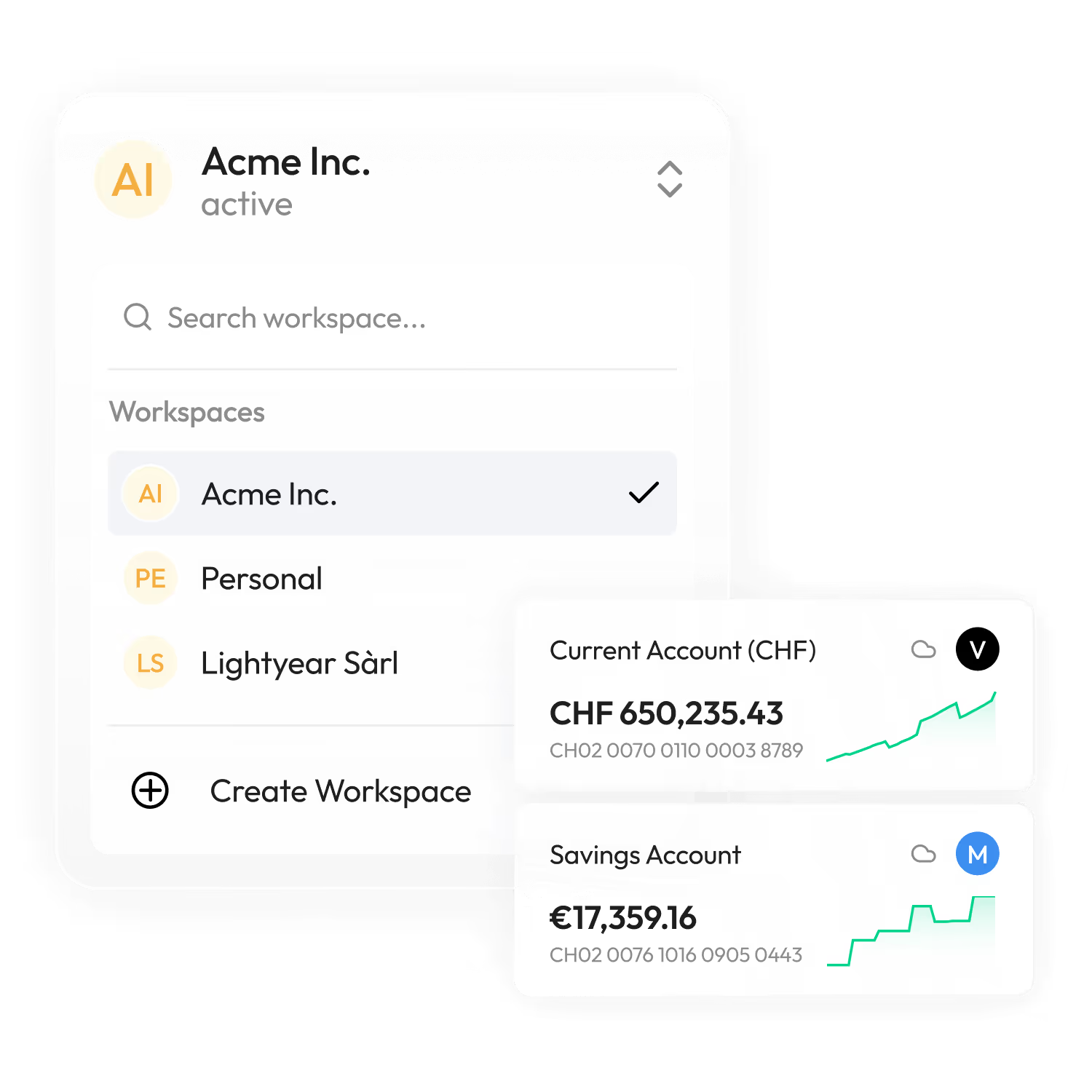
Switch between client workspaces in one click. Each mandate keeps its own separate data.
Invite every collaborator in the firm. Scope access by mandate or by role.
See aggregated balances, cash in, cash out, and pending invoices for any client.

Track creditor and debtor positions across mandates and surface the work that still needs your team's attention.

The client never sees Sway. Your team drops in PDF statements, credit card statements, and supplier invoices, codes them, and exports to Winbiz. Use case number one, the fastest to deploy.

The client logs in to see their liquidities, forward invoices, and prepare payments. Your team still runs the coding and the export. Best for clients who want a modern view of their business without paying a separate cash tool.

The client connects the bank via Open Banking, uploads invoices through the mobile app, and signs off payments in e-banking. Your team focuses on the closings and the review. Best for fiduciaries who want to lead their clients into a modern workflow without changing accounting tools.
No per-seat fees. No per-token surprises. No setup cost. Flat pricing you can budget and pass through to your clients if you want to.
Includes 10 to 15 client mandates, depending on complexity.
Add every collaborator in the firm at no extra cost.
Chat, email, phone, in person. Speak with an expert, from our offices in Morges, Switzerland. Average response time is under 2 minutes.
One month on up to 3 real mandates before you commit.
We are based in Morges, Switzerland. We are certified by SIX for Open Banking. We speak French, German, and English. And when something breaks, we’re one phone call (or train ride) away, it doesn’t get lost in a ticket queue.


No. Sway is designed to sit on top of your current accounting tool, not to replace it. Your chart of accounts, your VAT regime, your year-end closes, and your archives all stay in place. Sway feeds the same import file your team already uses.
Around 90 minutes, in person at your office. By the end of the session, one or two of your client mandates are live in production. There is no parallel-run period where the firm operates on two tools at once.
UBS, ZKB, BCV, Valiant, Credit Suisse, and a growing list of cantonal banks through SIX bLink. PostFinance is in progress. Revolut and Wise are connected through a European aggregator. For any bank not yet connected, Sway ingests PDF statements and CAMT.053 files with the same workflow.
That case is the most common. The client forwards the PDF statement each period, you drop it into Sway, and the generative AI reads the document line by line. More than half of active Sway mandates run on PDF imports rather than live connections.
Yes. Sway is a Swiss company based in Morges, certified by SIX for the bLink Open Banking ecosystem, and operates under Swiss data protection rules. Each client mandate is isolated in its own workspace with its own access controls and two-factor authentication. Plus, all data is stored on servers based in Zürich.
No. Learning is scoped per mandate. Corrections on one client's entries have no effect on another client. The general model improves through prompt engineering on the Sway side, not through cross-client data transfer.
VAT is managed through the chart of accounts. Each account carries a default rate that flows into the export. You can override the rate or the amount per line when needed, for cases like exempt expenses, imports, or exempt transactions.
Transactions are extracted in the currency of the source account, which is the approach most of our fiduciaries prefer. Foreign exchange gain/loss handling is delegated to the downstream accounting tool for now, and sits on the Sway ledger roadmap for the months ahead.
Sway is available in French, with German and English also supported. We're a team based in Romandie.
No per-seat fees, no per-token charges, no setup fees. The minimum contract is CHF 500.- per month and includes 10 to 15 mandates depending on complexity. You can add more mandates as you scale.
Yes. A one-month proof of concept on up to 3 real client mandates, with in-person onboarding, free of charge. If Sway is not the right fit at the end of that month, there is no further commitment.
Tell us. Custom export formats are built in-house at no extra cost for paying customers.
Direct access to our experts by chat, email, and phone during business hours. Available in French, German, English, and Italian. Response time is usually under ten minutes. There is no ticket queue and no support tier to navigate.


