
After uploading a supplier invoice to Sway, the data is automatically extracted, thanks to our artificial intelligence algorithms.
If the supplier already exists in the application, they will be automatically linked to the invoice.
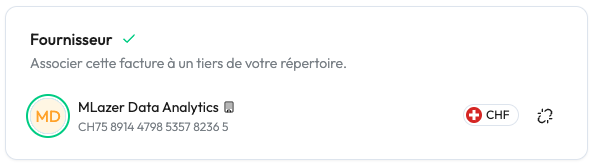
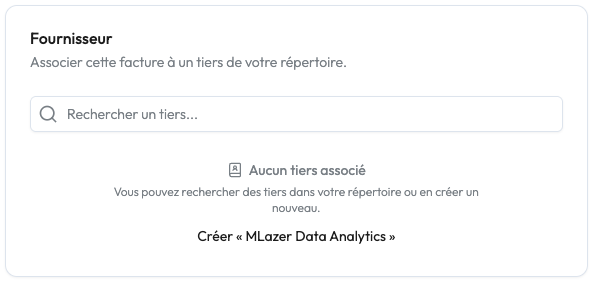
Alternatively, you can simply click on the dedicated button: the information is pre-filled and you just need to review and confirm the creation of the supplier.
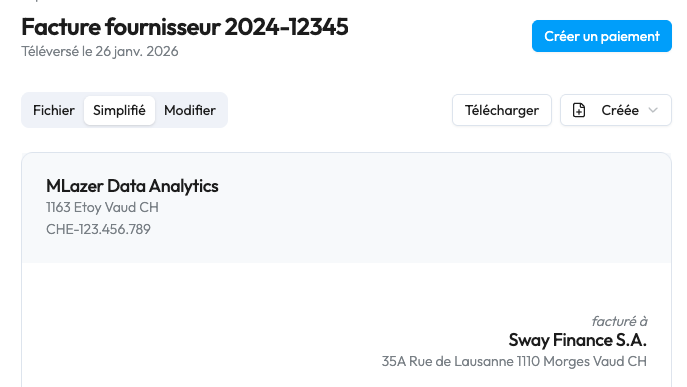
1. Once the supplier is linked, click on the blue button at the top right "create a payment".
2. The form is pre-filled based on the information extracted from the invoice.
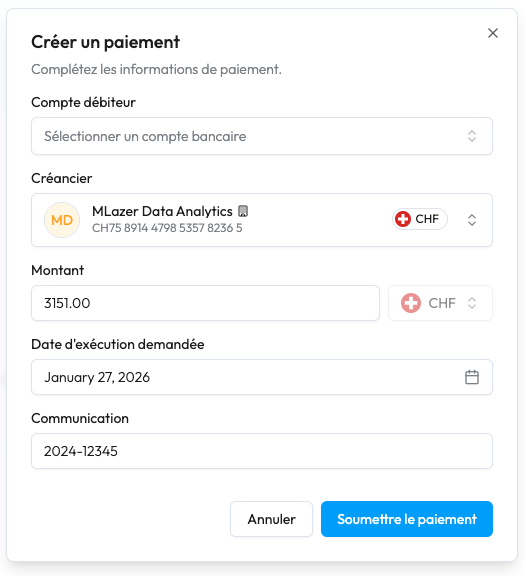
3. Select an account to debit, check the information and click on "Submit payment".
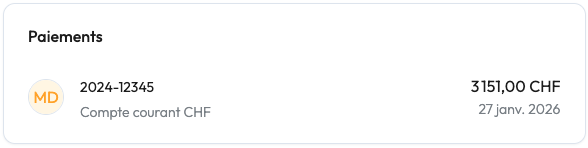
4. Once the payment has been successfully sent, it appears as linked to the invoice.
5. ⚠️ A person with signing rights must approve the payment(s) submitted in e-Banking for the order to be executed.


