
If you have connected your Swiss bank to Sway, you can easily create a payment from the Payments screen.
1. Click on the blue button at the top right labelled "Create payment".
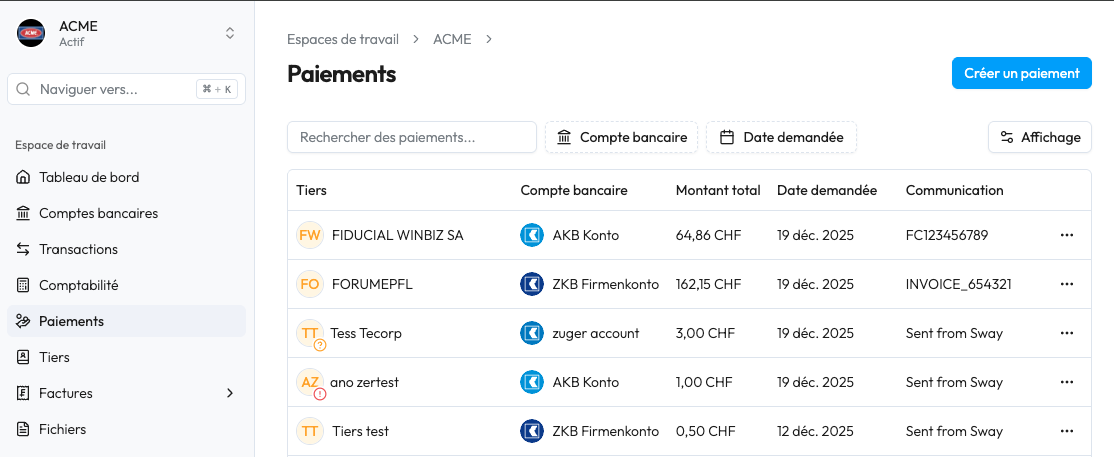
2. Complete the information by selecting the account to be debited, the beneficiary, the amount and the reference.
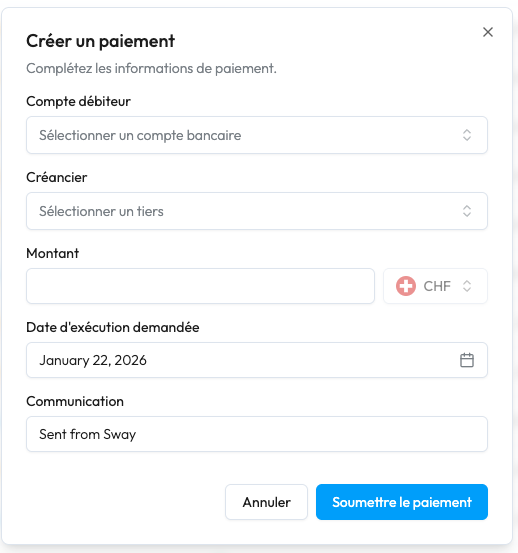
3. Once successfully submitted, the payment will appear in your payment history.
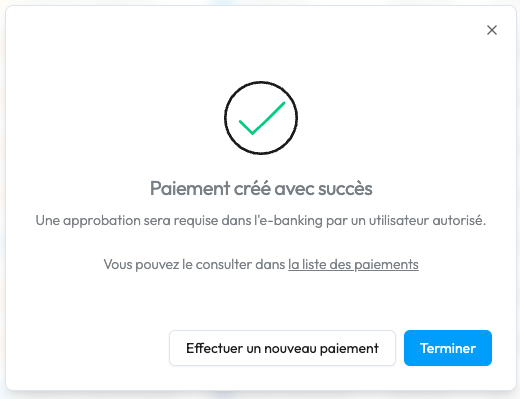
4. ⚠️ A person with signature rights must approve the payment(s) submitted in e-Banking for the order to be executed.
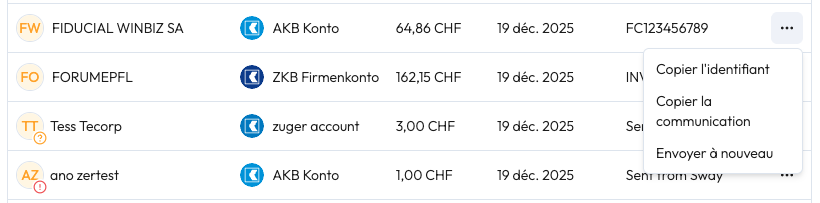
You also have the option to create a new payment from an old payment by clicking on the pop-up menu at the end of the line and selecting "Send again".
Thanks to Open Banking, it is very easy to connect to your bank in order to retrieve your data and make payments via the Sway Finance app.
Currently, Swiss banks are limited to submitting payments. This requires validation via e-banking by a person with signing rights.
European banks allow you to initiate payments by validating them directly via your banking app for immediate or deferred execution.


