
Leveraging the automated pre-accounting features from Sway, you can then easily import them into your favourite accounting tool, such as Crésus. After opening your accounting folder, proceed as described below.
From the Journal view, select File > Import Entries... from the top menu bar.
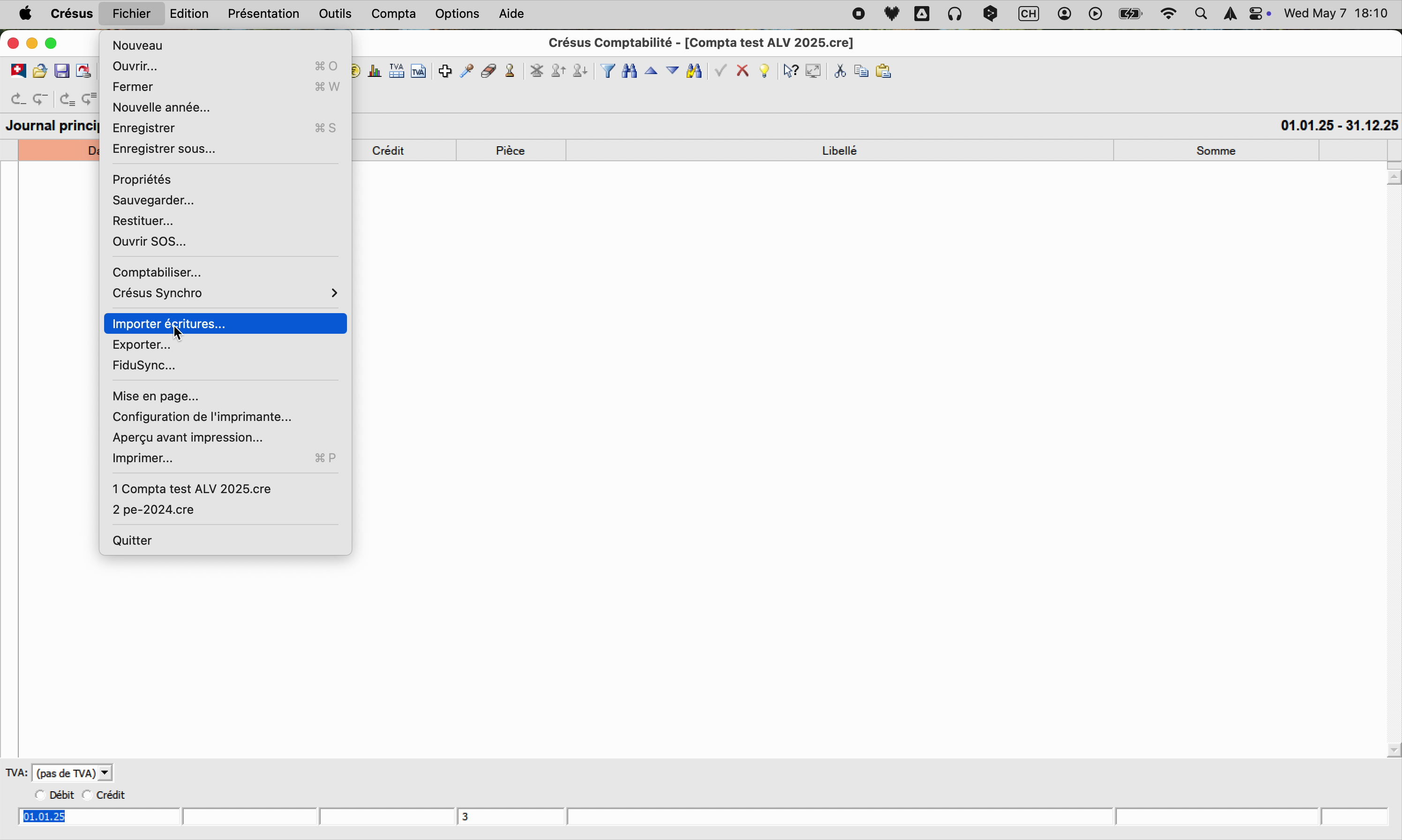
Then select the file you exported from Sway previously (see dedicated article here).

For VAT-registered accounts, select the option Automatic creation of VAT entries > With VAT (gross).

After clicking Import, your entries will be displayed in the journal.
If you encounter encoding issues (accents replaced by unusual characters), make sure to tick the option to export transactions without accents within Sway Finance. Refer to the article on this page to see how to proceed.


