
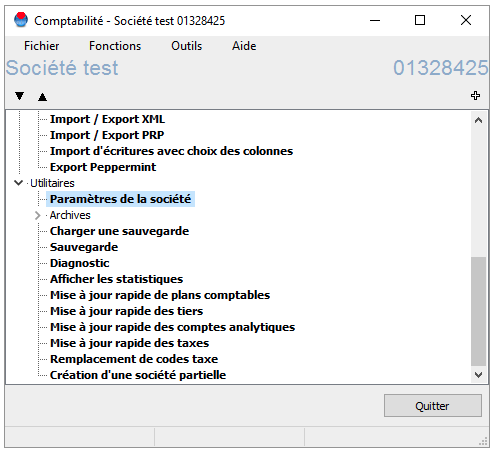
1. From the global menu of the selected company, open the Utilities submenu > "Company settings".
2. In the Accounting > General Ledger > Entry Settings submenu, you can define the numbering of accounting documents. Choose a meaningful keyword and/or simply enter a starting number.
3. Also check that the "Sequential Numbering" option is selected.
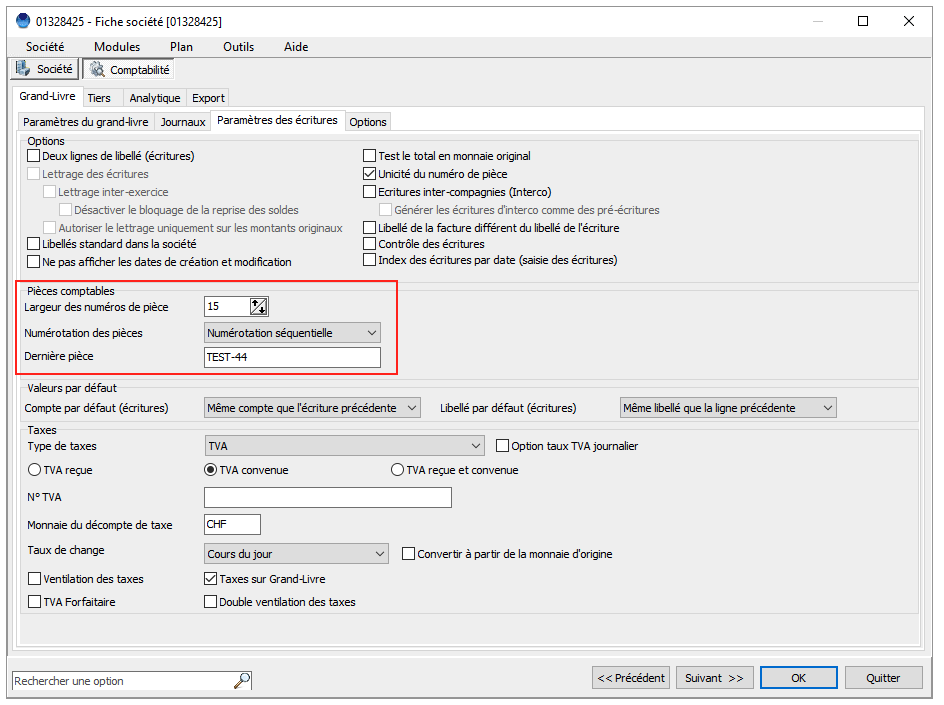
4. Click OK. WinEUR will automatically number the documents by incrementing the value from the number you specified.


